
Live
See your fleet in real time
Live status and hours from your site hubs, plus a fresh last-seen the moment a crew phone walks past a tag — so you're current without walking the yard.

Open the app and the phone quietly scans for your Bluetooth-tagged equipment, shows a live, sunlight-readable dashboard of your whole fleet, and lets you scan a QR code to check a machine in or close out maintenance — even with no signal.
iPhone · iPad · Android 7+ · Offline-ready
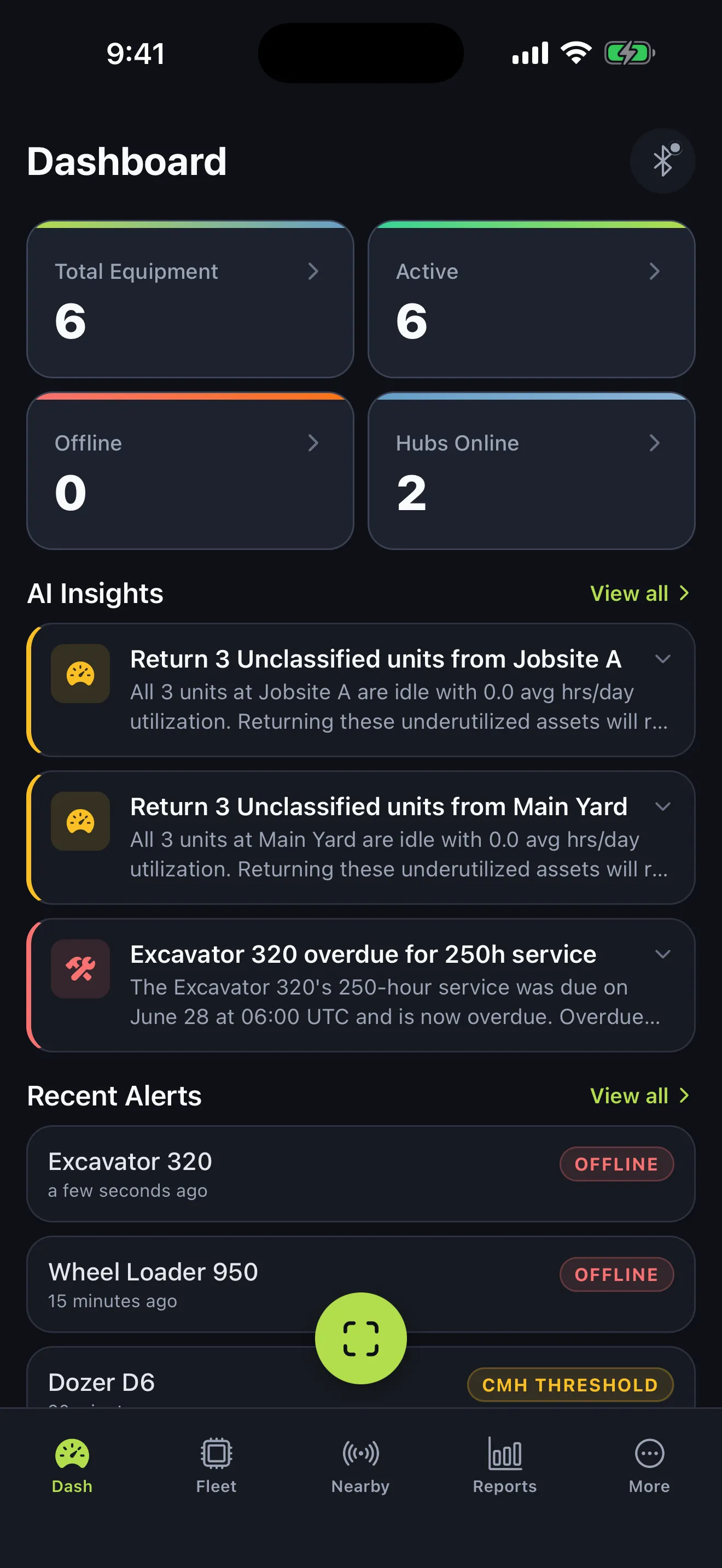
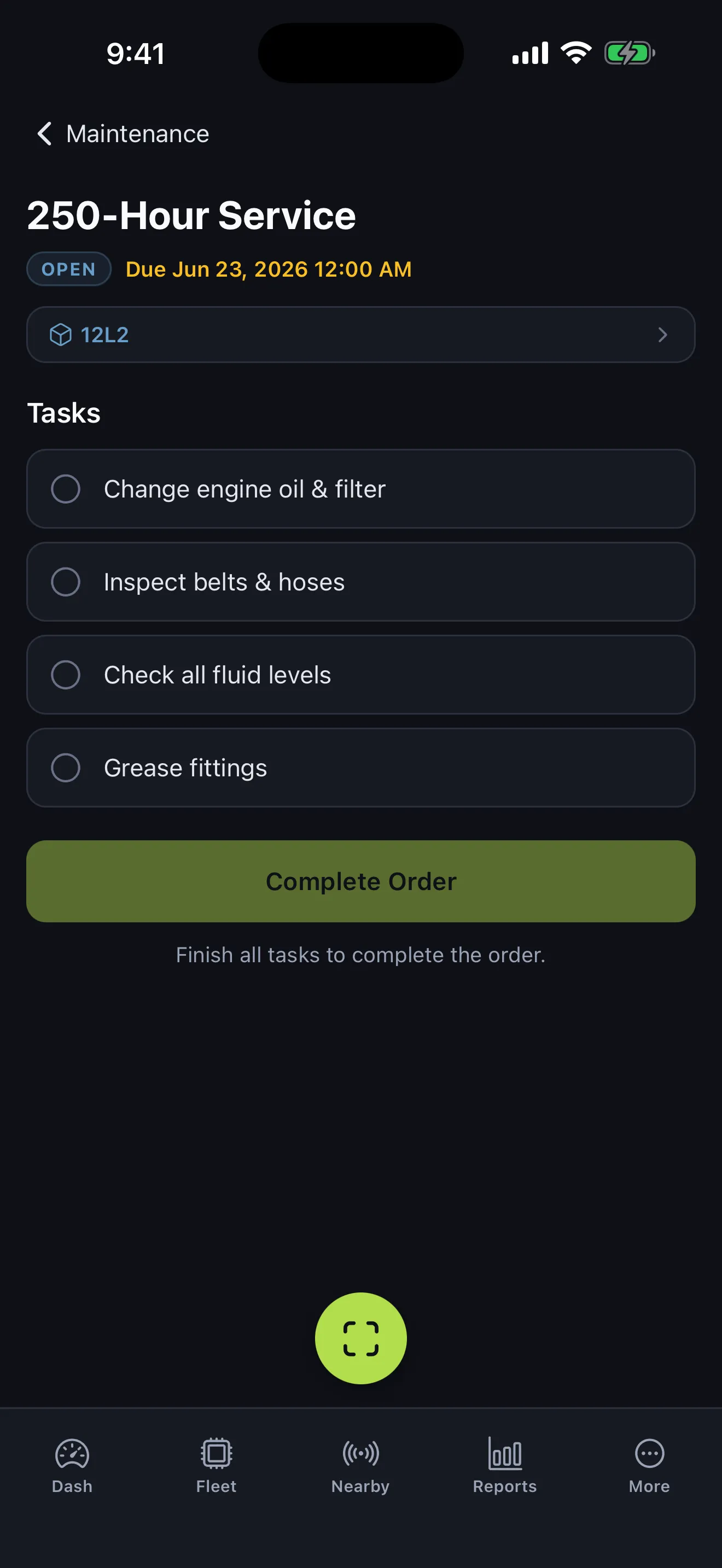
QR codes come from Fleet. Print one per asset, stick it on the machine, and the whole crew can check equipment in with a single scan — logging notes and correcting the hours right at the machine, no login required. The same scan completes maintenance orders too, and in a dead zone every check-in queues on the device and syncs the moment you reconnect.
Print a unique QR label for every asset straight from the Fleet web platform.
Stick it on the machine once. The code stays with the asset for good.
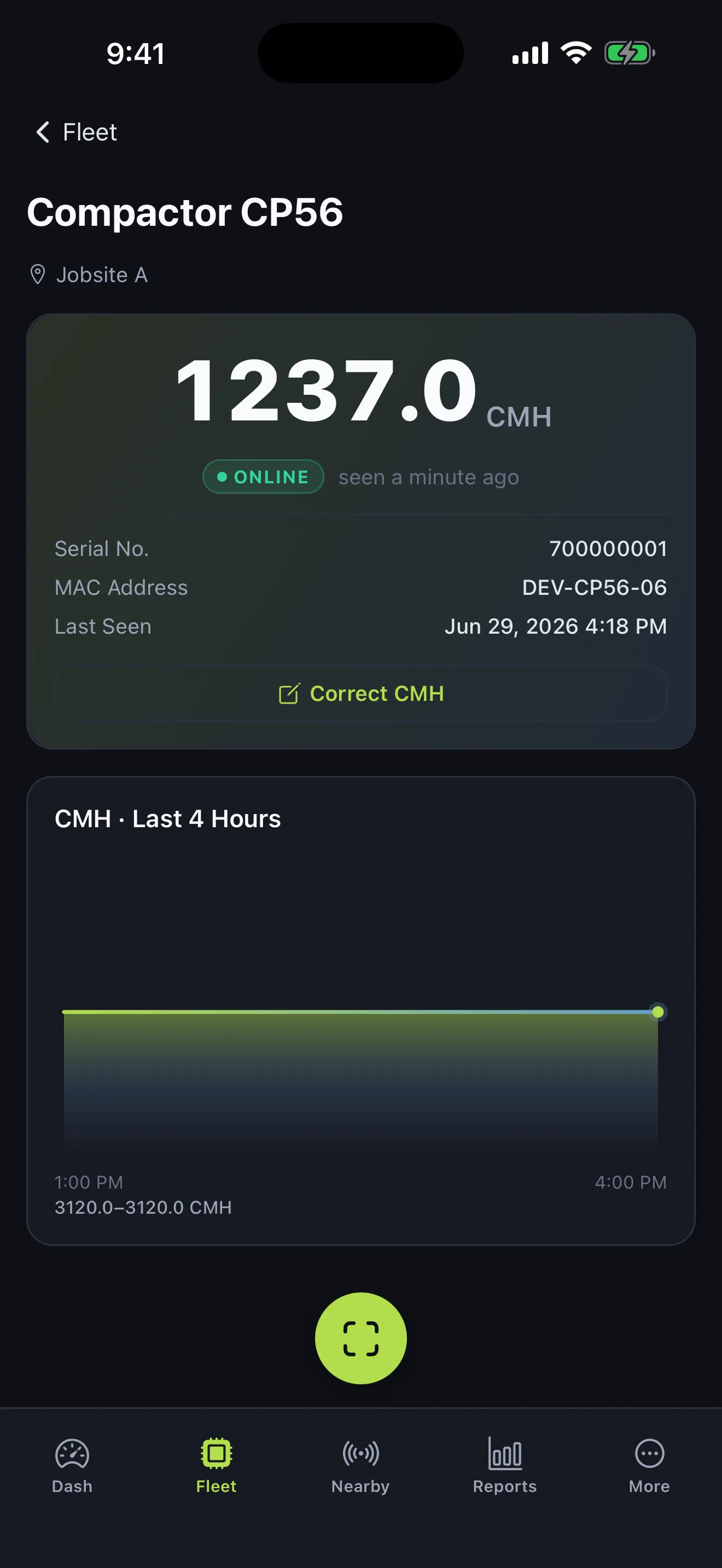
Any crew member scans to check the machine in — add notes and correct the hour-meter reading on the spot.
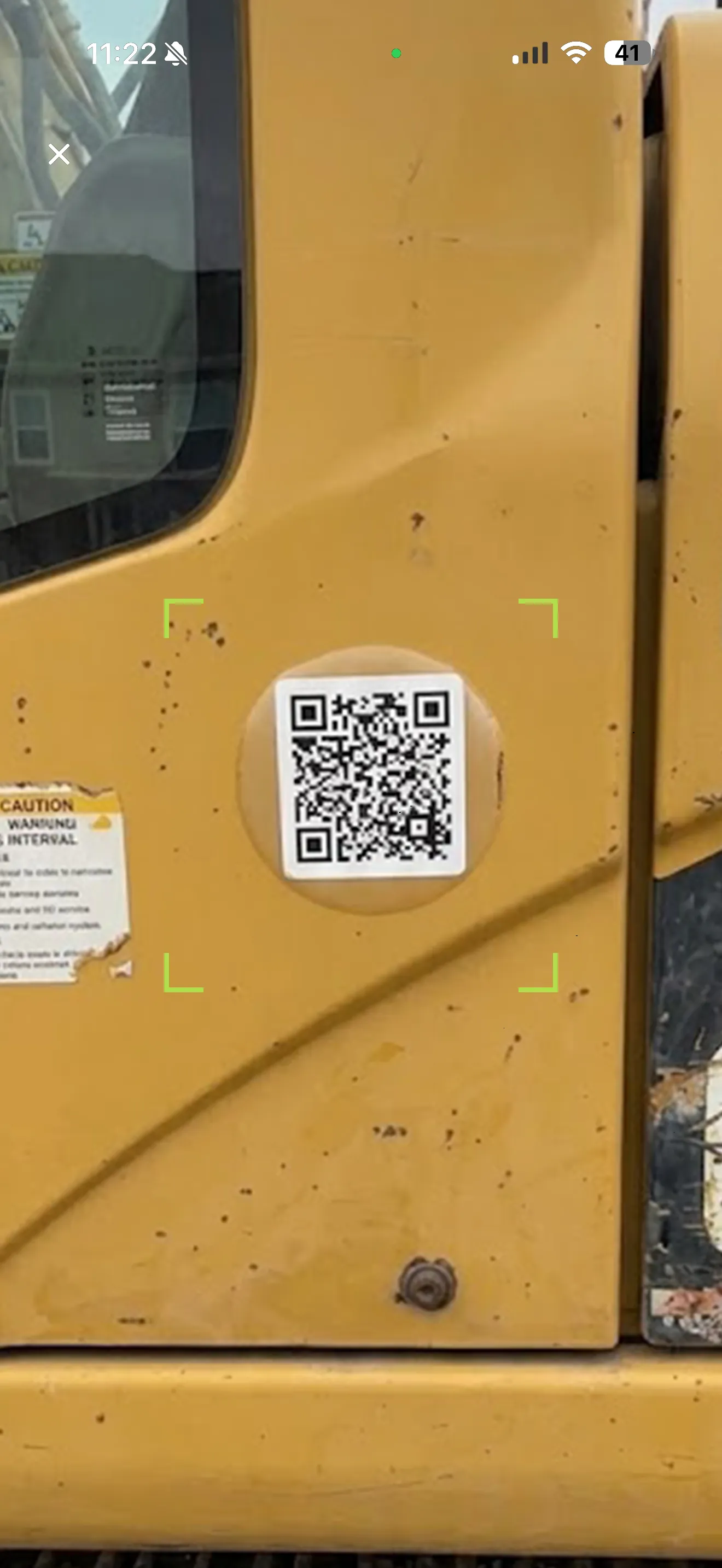
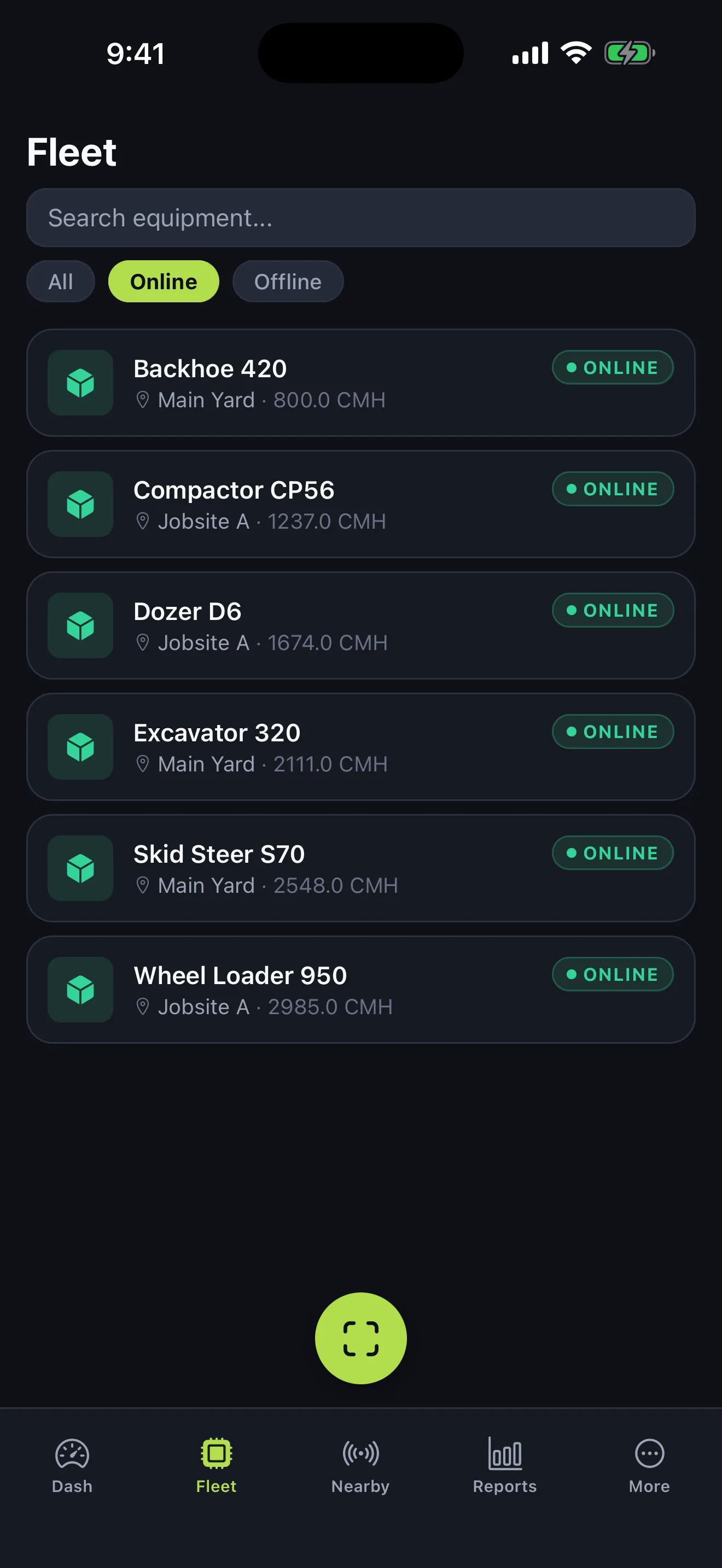
Real views from inside the app — dashboard to maintenance order. Tap through them.
KPIs, AI insights, and a live alert feed — your whole fleet at a glance.
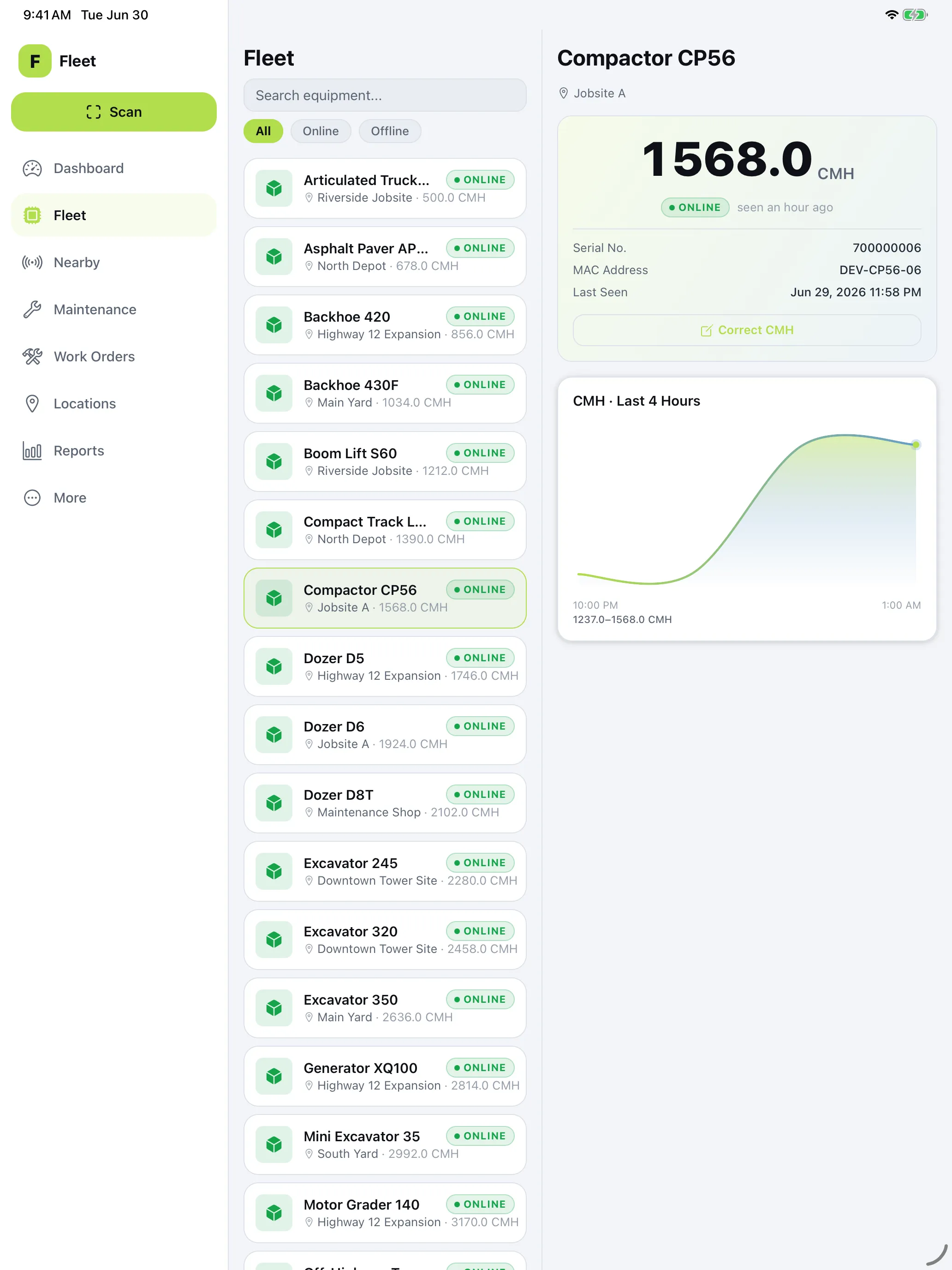
Fleet Mobile isn't a phone screen stretched to fill an iPad. It lays out like the desk you left behind — a fixed sidebar, the full list, and the site or machine you're working on, side by side. The layout stays capped so nothing overstretches, and the whole app follows your System, Light, or Dark setting.
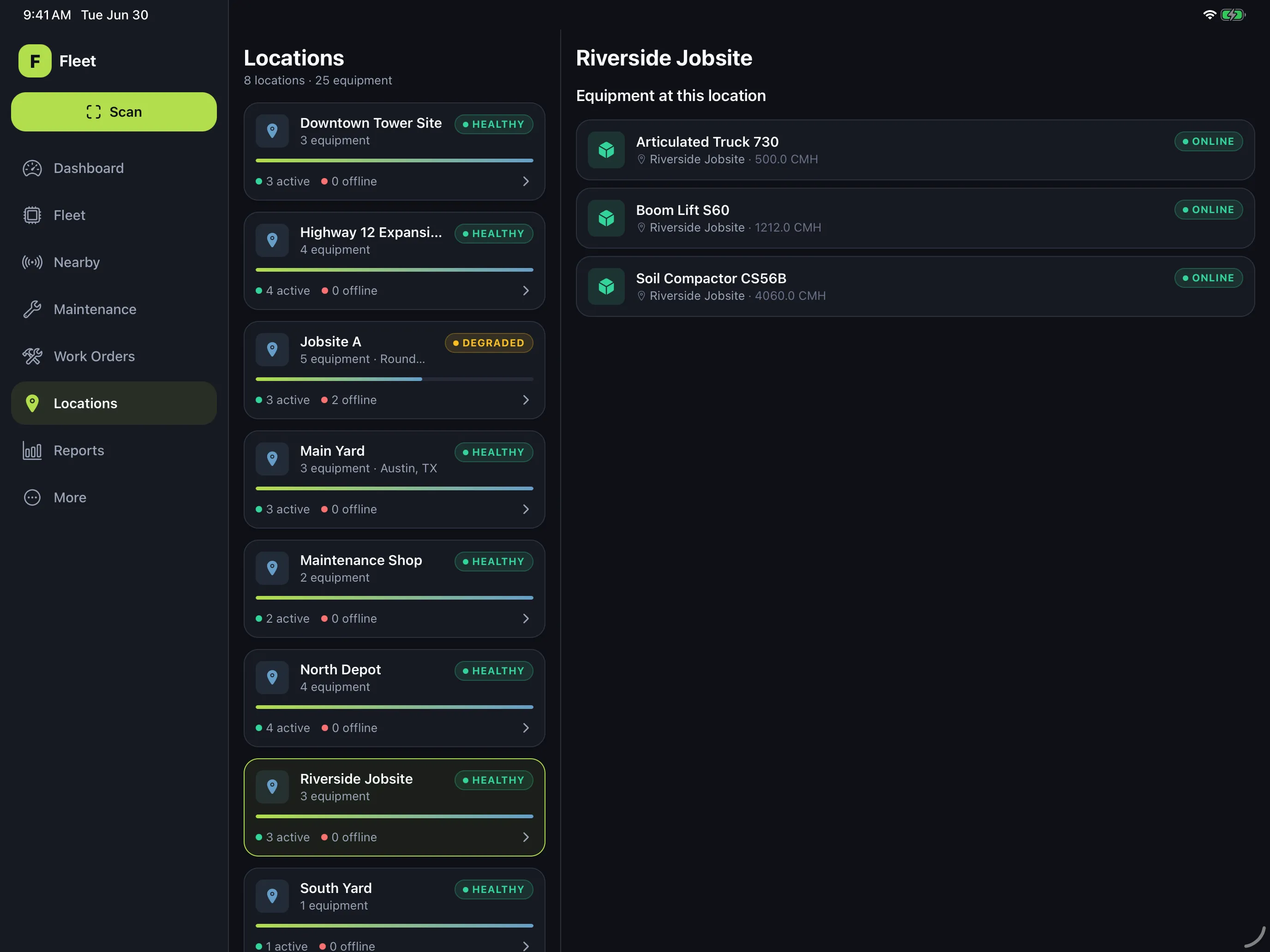
The same equipment status, alerts, hours, and AI insights as the Fleet portal — in a phone a technician can use on the job site.
Live
Live status and hours from your site hubs, plus a fresh last-seen the moment a crew phone walks past a tag — so you're current without walking the yard.
Coverage
Turn on background scanning and crew phones keep checking in on their own, reporting the tags they hear — extra coverage, no extra hardware.
Alerts
Offline machine, hour threshold breached, hub down — swipe to acknowledge from anywhere.
Field
Dark, high-contrast UI built for bright sun; check-ins queue offline and sync automatically.
AI
Anomalies, utilization drift, and maintenance recommendations — surfaced before they become downtime.
Check-ins
Scan a Fleet QR code to check equipment in, correct the hours, or close a maintenance order — no login, no paperwork, no double entry.
Open the app and the phone quietly scans for your Bluetooth-tagged equipment and reports what it hears back to the platform. Switch on background scanning and it keeps checking in periodically on its own. No extra infrastructure to blanket a site: your crew's phones extend coverage where they go, and the app matches what it hears against your inventory to surface what's nearby right now.
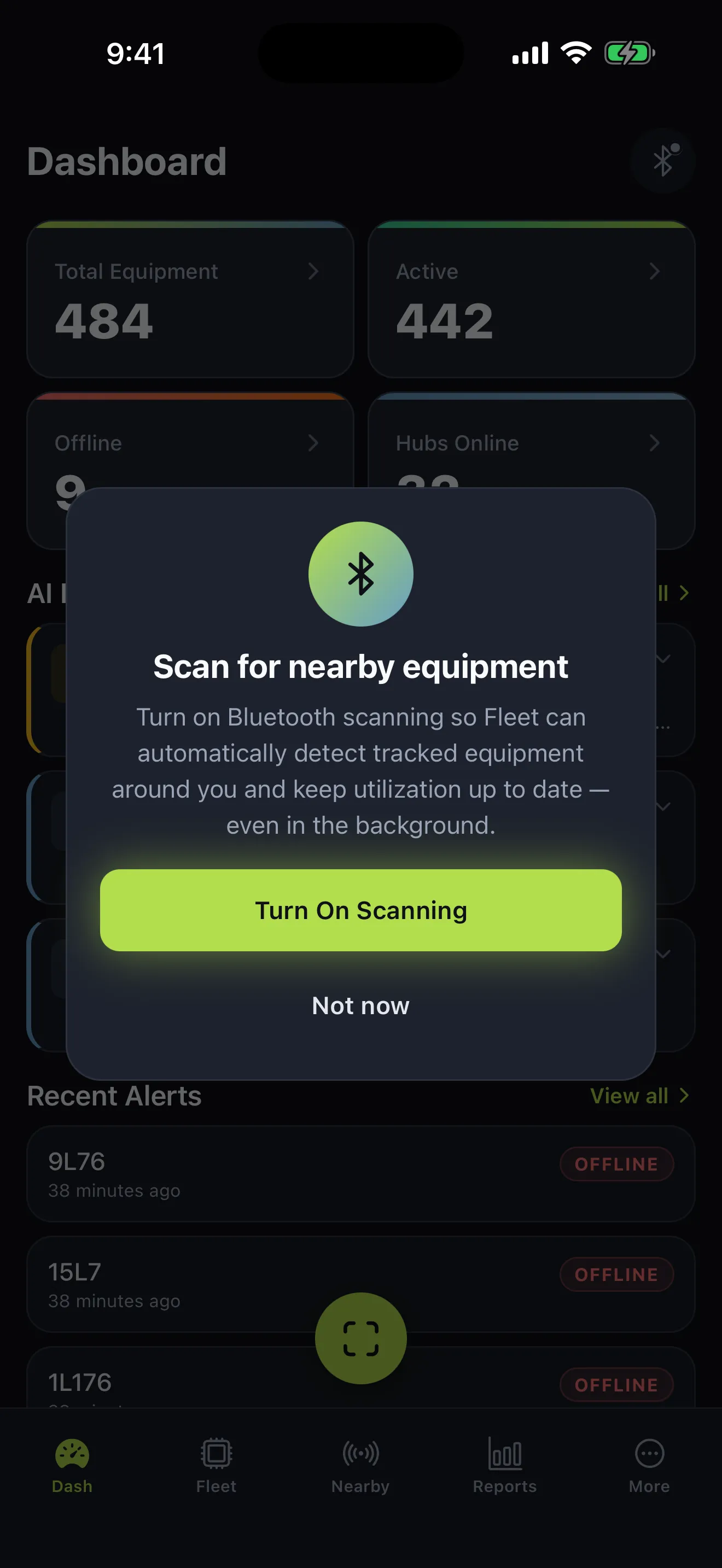
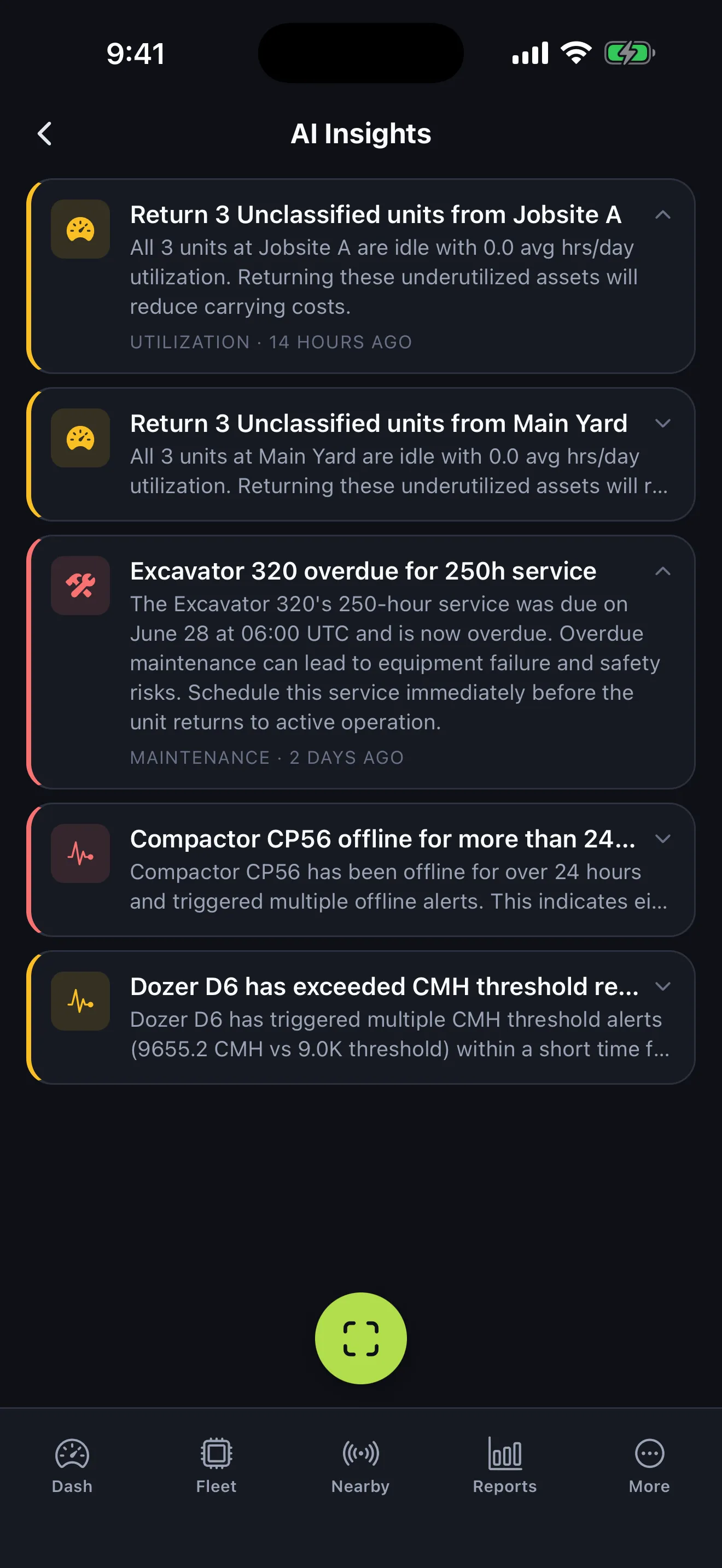
The app surfaces ranked, plain-language insights — idle and underutilized assets, overdue service, equipment that's been offline too long, condition-hour thresholds — so a supervisor can triage from a phone before any of it turns into downtime.
Fleet Mobile runs on the same source of truth as the web platform — the device registry, condition hours, and alerts are shared, not synced copies. Whatever the crew logs in the field shows up in the office instantly, and vice versa.

Free with your Echolo Fleet account, on iOS and Android. Want a walk-through first? We'll show you the whole platform — field and office.