
Tagging the whole yard
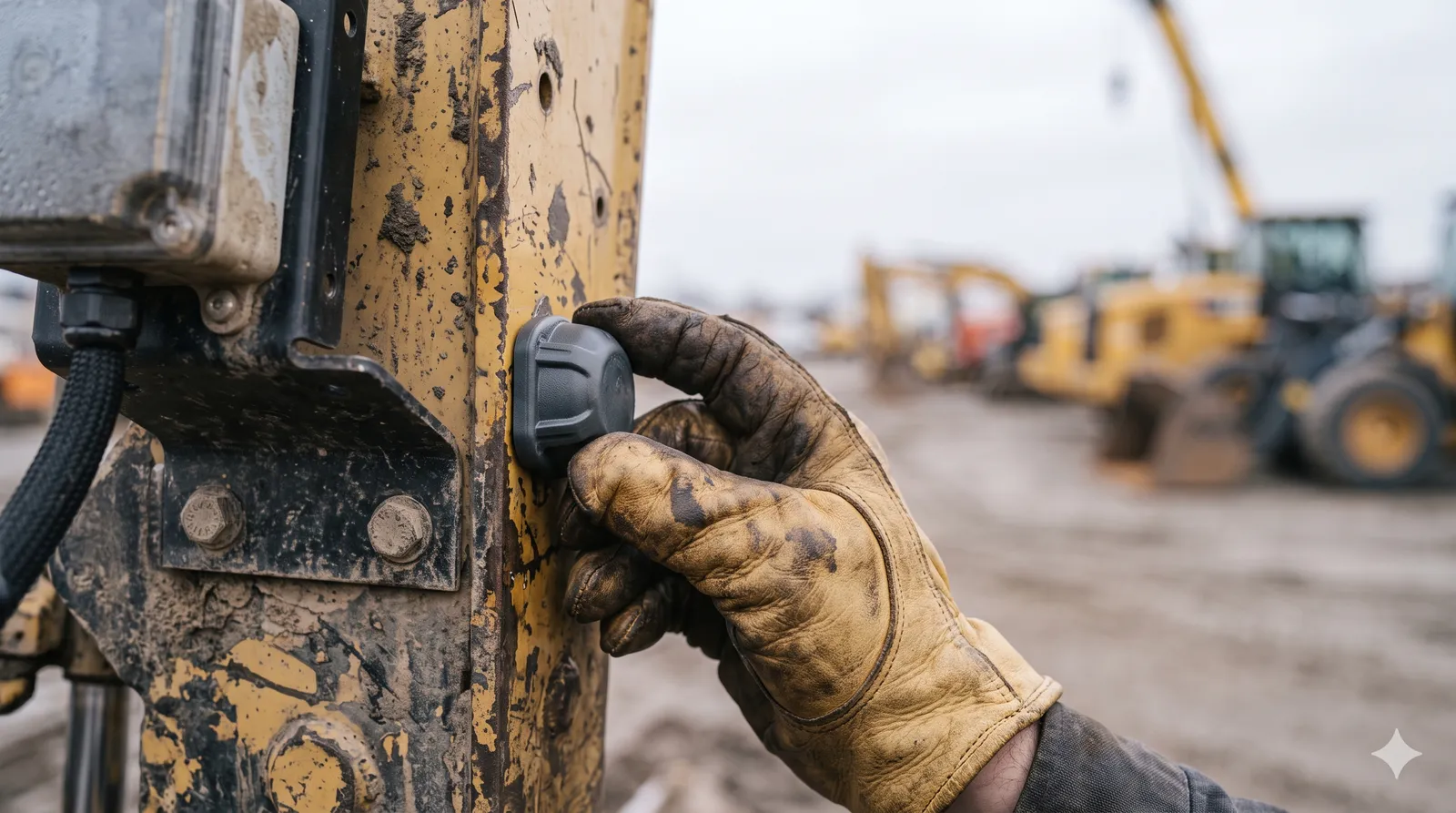
We’ve written about the first 30 days of a deployment — the arc from signed PO to infrastructure the site forgets it has. This is a field note about one hard hour inside that arc: the day a box of tags meets a yard full of machines, and someone has to decide which tag belongs to which machine.
It sounds like data entry. It’s the step that determines whether every number the system ever produces is trustworthy or quietly wrong. Get the identity layer right and everything downstream is clean. Get it wrong and you spend the next quarter explaining why “Excavator 7” is reporting from the parking lot.
An asset record needs less than you think
The instinct is a long form with thirty fields. Resist it. An asset record needs to carry only what the system actually reasons about, and that’s a short list:
- A stable ID — yours, not ours. Use the fleet number already painted on the door. The number the mechanic says, the accountant bills, the operator radios in. If the asset lives in the system under an ID nobody outside the system recognizes, every later export and integration has a translation problem baked in.
- Make, model, and class. This isn’t trivia — it drives the service schedule, the idle benchmark, the expected duty cycle. A skid-steer and a haul truck are not held to the same utilization target, and the class is how the system knows.
- The hour-meter baseline at install. The single most important number in the whole record. More on this below, because it’s the one people get wrong.
- Home site and the device serial bound to it. Where it lives, and which tag is its identity. That binding is the part that breaks.
That’s the record. Four things that matter, not thirty that don’t. A short form people fill in correctly beats a thorough one they fudge.
The binding problem is the whole problem
Here’s the failure mode, and we’ve watched it happen: forty tags in a box, forty machines in a yard, and a spreadsheet back at the office that’s supposed to say which is which. Someone peels tags, sticks them, and types serials into rows. One transposed digit, one tag stuck on the wrong loader, one row that drifts out of sync — and you’ve created a phantom. Machine 12’s hours show up under Machine 21. Nobody notices until the data is six weeks deep and the CMH is already wrong.
The fix is to never bind from a desk. Bind in the field, at the machine, by scanning. Stand at the excavator, scan the tag, confirm the asset on your phone, done — the same scan-the-thing-in-front-of-you discipline that makes maintenance orders work on the shop floor. The machine you’re looking at and the tag you’re holding are bound together on the spot, with no spreadsheet in the middle to drift. You can’t transpose a digit you never typed.
The baseline trap
Of the four fields, the hour-meter baseline is the one that quietly poisons everything if you rush it.
Continuous machine hours are built by adding measured run-time onto a starting number. If that starting number is a guess — backfilled from memory, copied from last year’s spreadsheet, rounded because the meter was hard to read — then every hour the system ever reports is that guess plus some accurate measurement. The drift never corrects itself. It just compounds.
So read the real meter, at the machine, the day you bind the tag. Photograph it with the reading visible. Enter that number then and there. Two minutes per machine buys you a CMH history you can defend in a warranty conversation years later. Skipping it saves the two minutes and costs you the credibility of every number after.
Place the tag for the gateway, not for your convenience
Where the tag goes on the machine is a BLE geometry decision, not an aesthetic one. The convenient spot — tucked low, inside the frame, behind steel — is often the worst spot, because a machine is a giant chunk of metal that absorbs and reflects 2.4 GHz badly.
Quick rules from the field: mount it high and with line of sight toward where the gateways live, get it off the dense steel and away from the engine’s heat, and keep it reachable — because a coin cell you can’t get to is a tag you’ll never replace until it’s dead. A tag placed for the installer’s convenience and a tag placed for the radio are rarely the same tag.
Don’t boil the ocean
The fear that makes teams put this off — “we have 300 machines, this is a six-month project” — comes from imagining you tag all 300 on day one. You don’t.
Phase it by value. Tag the high-dollar, high-dispute, easy-to-lose assets first — the iron where knowing the hours and the location actually changes a decision this month. Get those reporting cleanly, prove the data, then work down the list as machines come through the yard for service anyway. Batch tag installs with maintenance visits you were already making and the rollout costs almost no dedicated trips. The yard gets covered in waves, each one delivering value before the next begins, instead of one heroic push that stalls in week two.
What we recommend
- Bind in the field, by scan — never from a desk spreadsheet. Stand at the machine, scan the tag, confirm the asset. The spreadsheet in the middle is where phantoms are born.
- Capture the hour-meter baseline at the machine, with a photo. Read the real meter the day you bind. Don’t backfill it from memory; the error never washes out.
- Use your own fleet numbers as the ID. The number painted on the door, not ours. Everything downstream joins on it.
- Place tags for the radio. High, line-of-sight, off the steel and the heat, reachable for the battery swap.
- Phase the rollout by asset value. Tag what matters first, batch the rest with service visits, and let the yard fill in over weeks. The whole-yard project that scares people is just a sequence of ten-minute jobs.
Onboarding isn’t the exciting part of a deployment, and that’s exactly why it gets rushed. But it’s the one step where two careless minutes per machine quietly corrupts every number that follows — and two careful ones set the whole system up to be trusted. Spend them at the machine, not at the desk.
If you’re about to tag a yard and want to get the identity layer right the first time, get in touch — we’ll walk through the binding flow, baseline capture, and placement before the box of tags shows up.